The platform
Everything your firm needs, in one dashboard.
One workspace runs the whole loop for every client: capture, review, approve, file. The AI does the drafting. Your team makes the calls.
Review & approve
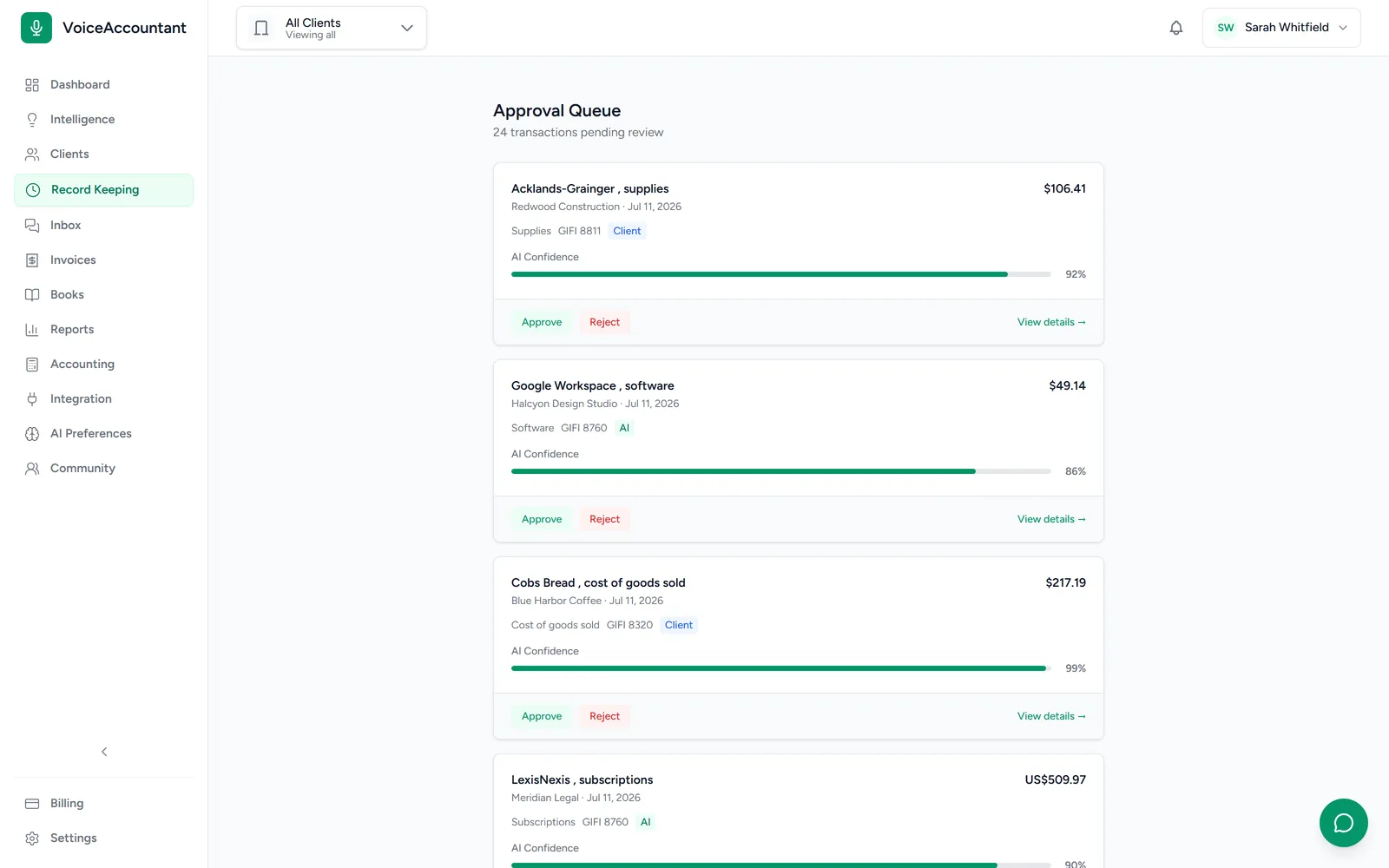
Your day starts at the review queue.
Every AI draft lands here with its confidence score, its tax code and the original document. Approve it, reject it, or open it up and edit. Nothing is filed until you say so.
- Filter by client, status, or AI drafts
- Auto-approve above a confidence bar, if you want it
- Every override is recorded, along with the reason
Batch upload & AI extraction
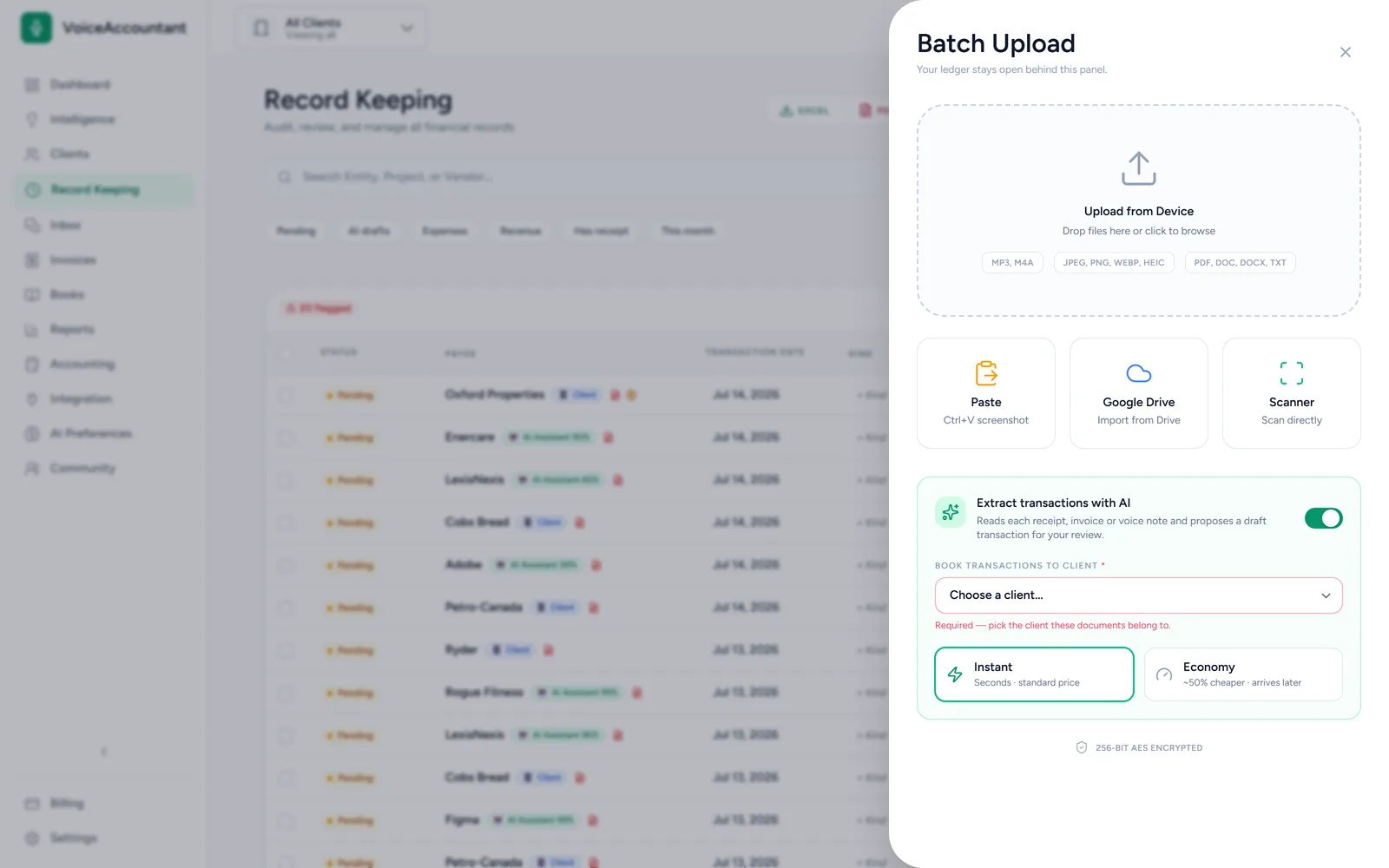
Drop a month of receipts. Watch them file themselves.
Upload photos, PDFs, Word docs, text and voice notes, paste from the clipboard, or pull from Google Drive. The AI reads each one and turns it into a draft. Pick Instant when you need it now, or Economy to save money when you don't.
Document Hub
Every document, filed and findable.
Receipts, invoices, bills and statements land in real folders. The AI puts each one where it belongs, and anything it can't place with confidence waits in Unsorted for you. There are nested folders, a Trash that keeps deleted files for 30 days, and every client stays separate.
Receipts
14 files
Invoices & Bills
9 files
Bank & Statements
6 files
Tax & Government
3 files
Contracts
2 files
Unsorted
2 to review
Anything the AI is unsure about waits in Unsorted, never misfiled.
Per-client workspace
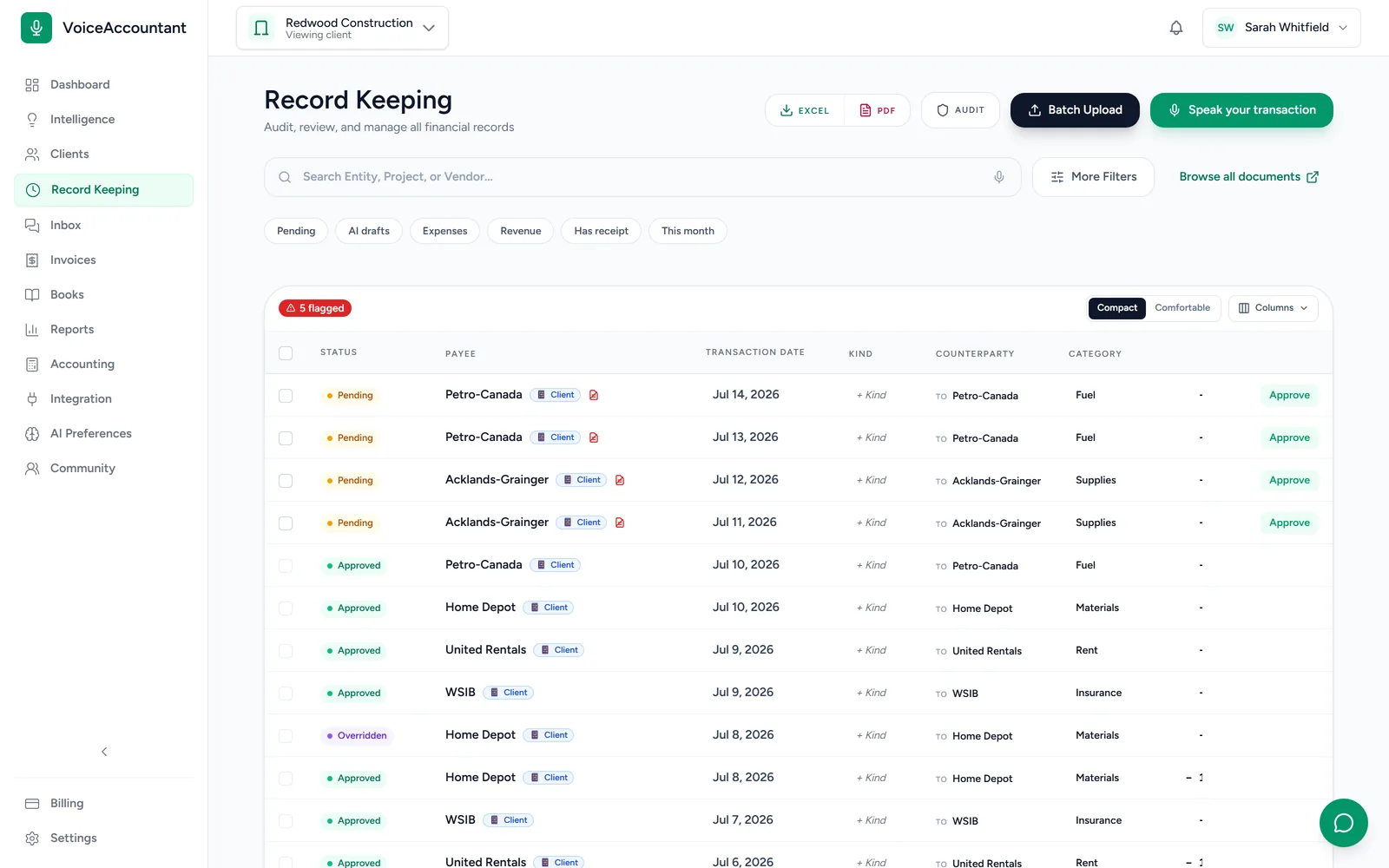
Switch client, and the whole dashboard follows.
Pick a client and every screen follows: the ledger, the documents, the charts, the reports. Each client's data is kept strictly separate from everyone else's.
And the rest of the firm
The tools around the ledger.
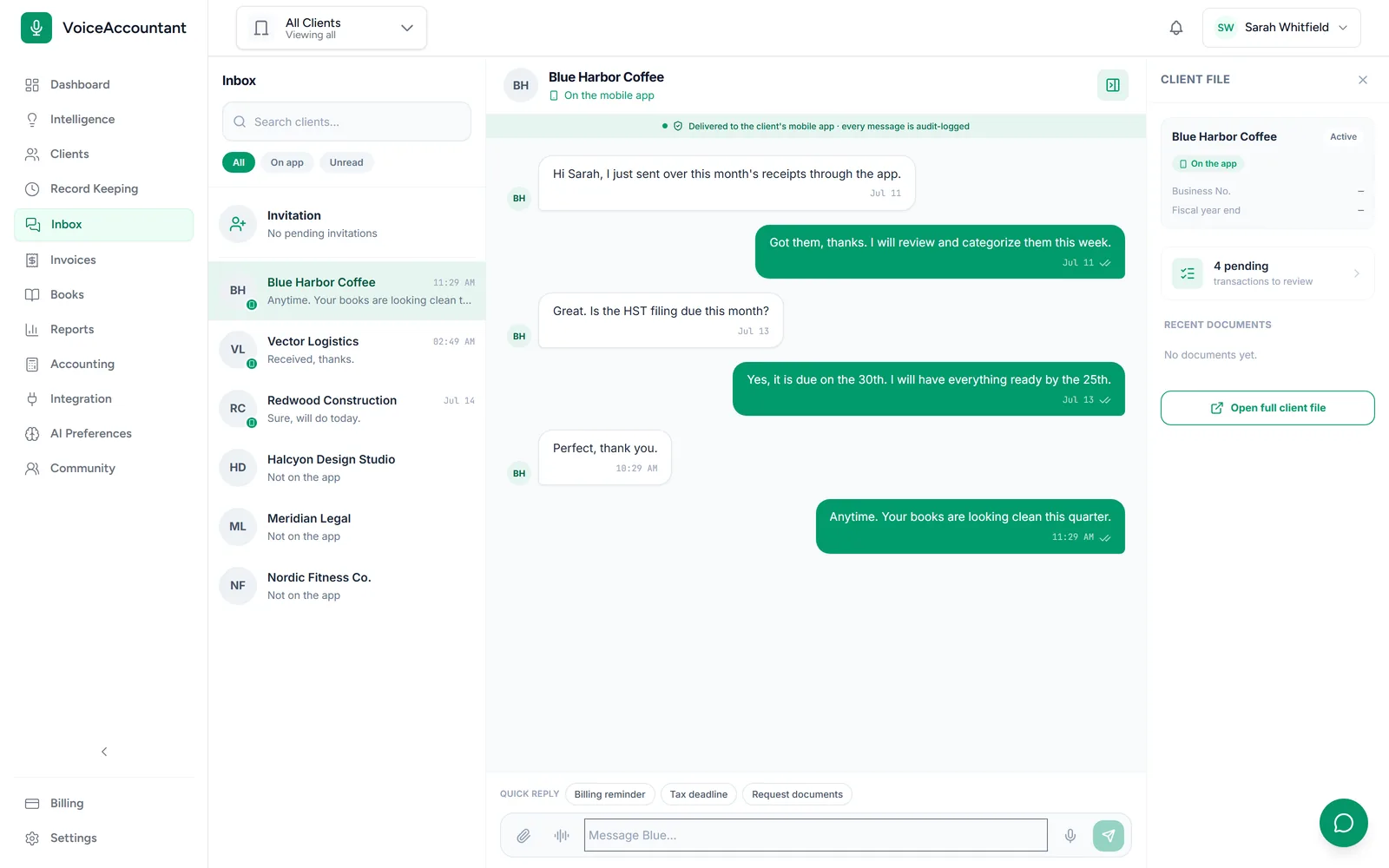
Messages, one inbox
Message every client from one place, and pin a conversation to the transaction it's about.
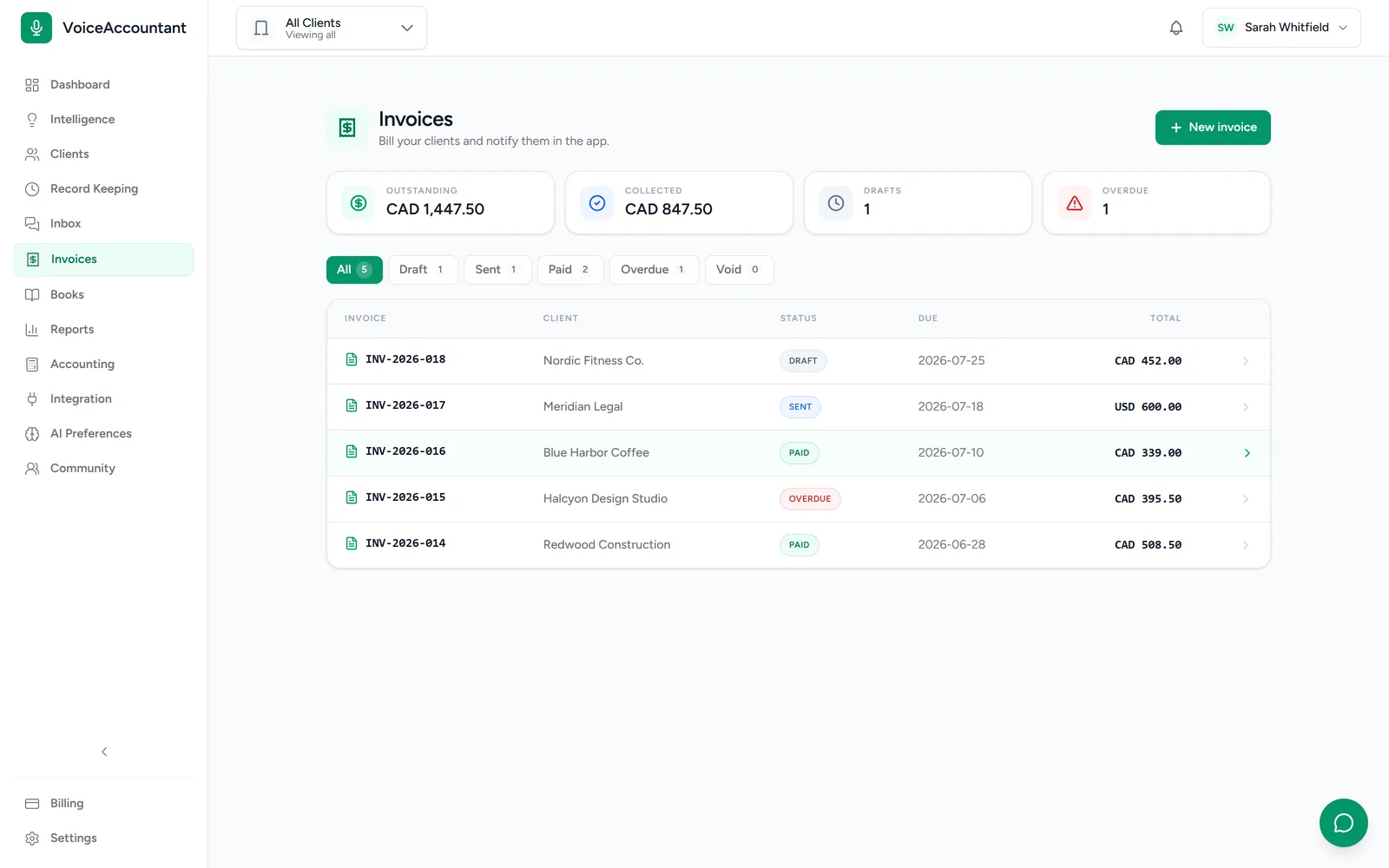
Client invoicing
Bill your clients with invoices that carry your letterhead, by email or straight into their app.
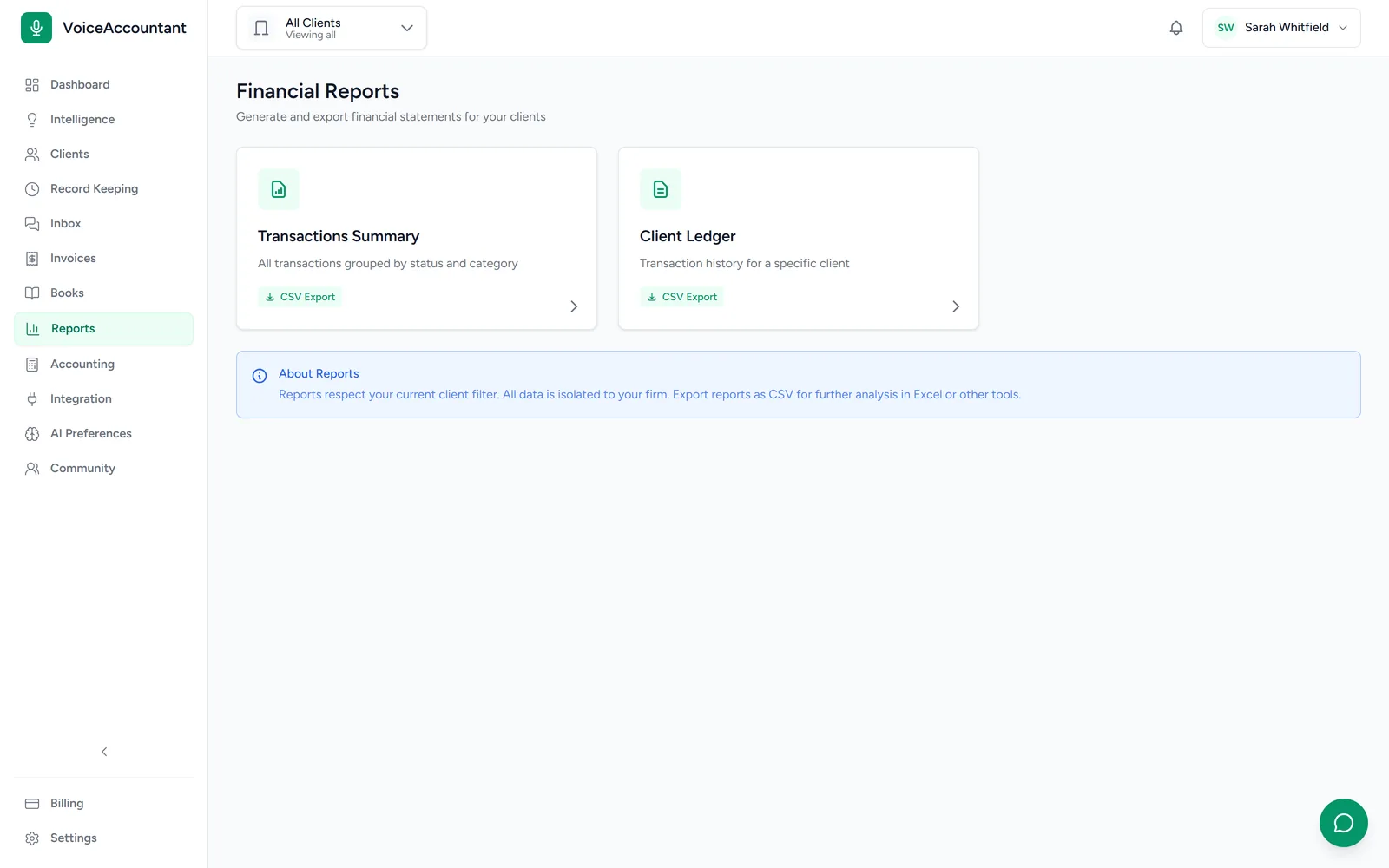
Reports & analytics
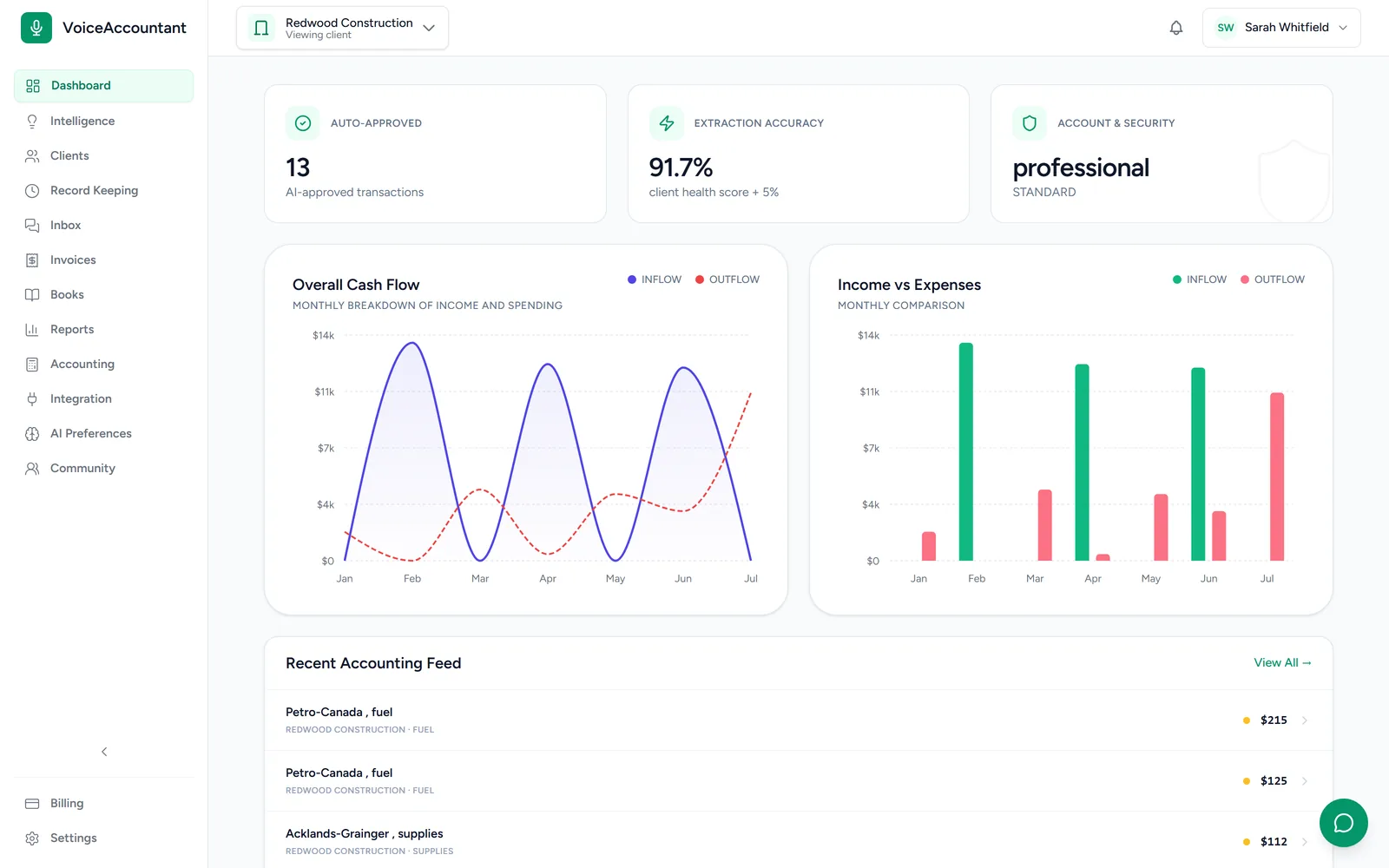
Income, expenses and cash flow at a glance, per client or across the firm.
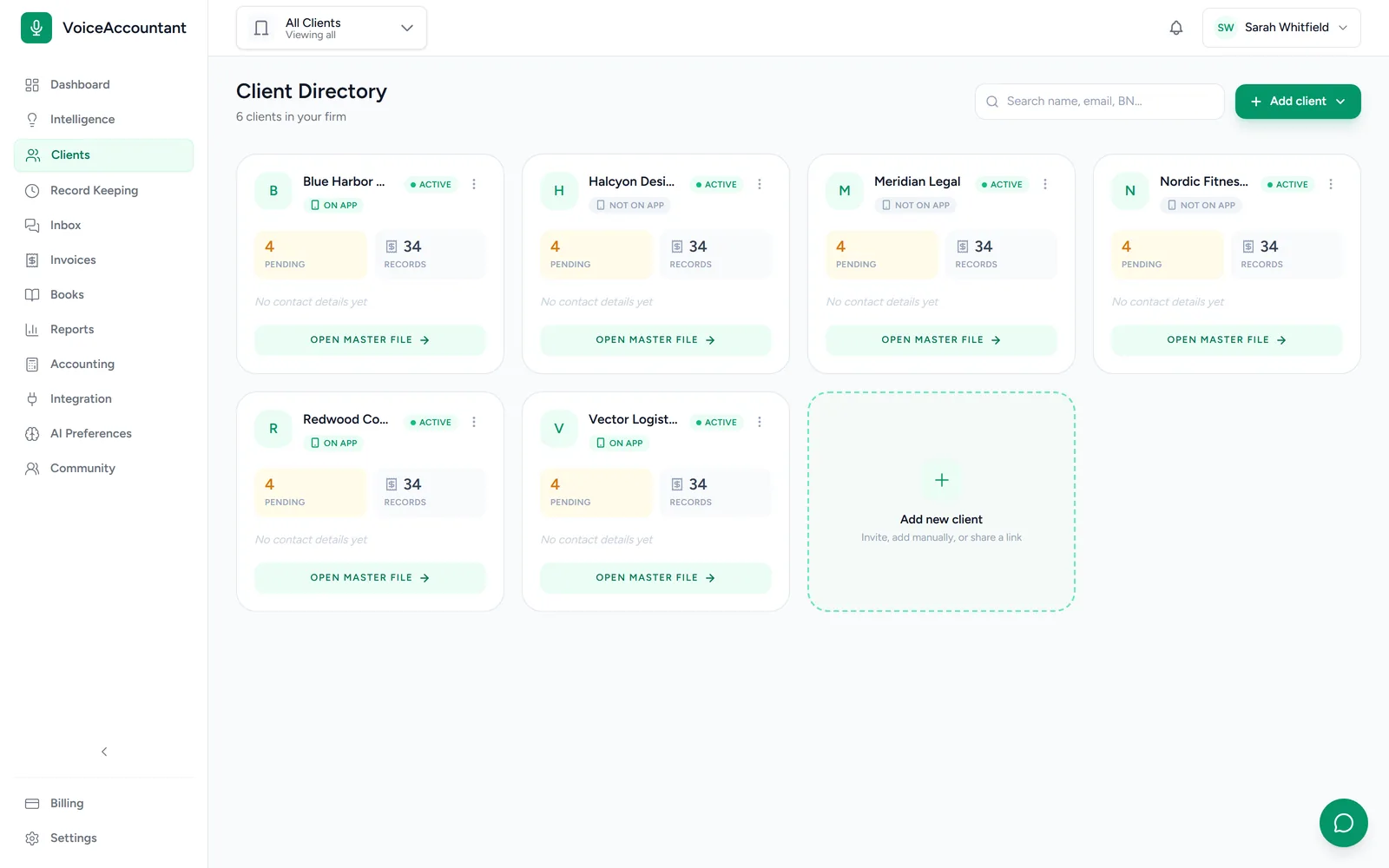
Client directory
See every client, what's waiting on them, and who's active on the app.
Under the hood
The parts you do not see, but rely on.
A permanent audit trail
Who changed what, when and why, written down for good. Nobody can edit or erase it afterwards.
Multi-currency
Books in CAD, USD or GBP. Rates are saved as of the transaction date, so old reports never shift.
GIFI, HST & VAT
Canadian GIFI codes with GST, HST, PST and QST, and UK VAT, built in.
Roles & 2FA
Four team roles, control over who can edit what, and two-factor sign-in.
Period locks
Lock a month once it's closed and nothing in it can change. There's a harder lock again after the tax return goes in.
QuickBooks or built-in ledger
Sync approved transactions to QuickBooks Online, or keep a full double-entry ledger here.
FAQ
Platform questions.
Does the AI file transactions on its own?
No. The AI drafts each transaction, shows how confident it is, and attaches the original document. Nothing is filed until someone on your team approves it. For clients you trust, you can turn on auto-approval above a confidence bar.
What file types can be uploaded for extraction?
Photos and scans (JPEG, PNG, WebP, HEIC), PDFs, Word documents, plain text and voice notes, up to 25 MB each. Batch upload runs them all through the AI and gives you a draft per file.
Does it sync with QuickBooks?
Yes. You can send approved transactions to QuickBooks Online, or skip QuickBooks entirely and keep the books in the built-in ledger.
How does multi-currency work?
Each client's books stay in their own currency. Foreign amounts are converted at the rate from the transaction date, and that rate is saved, so a report you run today will look the same next year.
What is in the audit log?
Who changed what, when, and why. Records can't be edited or deleted after the fact, by anyone. And you can download any client's complete history whenever you like.
See it with your own clients.
Set up your firm in minutes and invite your first client. The trial's free for 14 days, no card required.